追加ではつとちょうちんも!
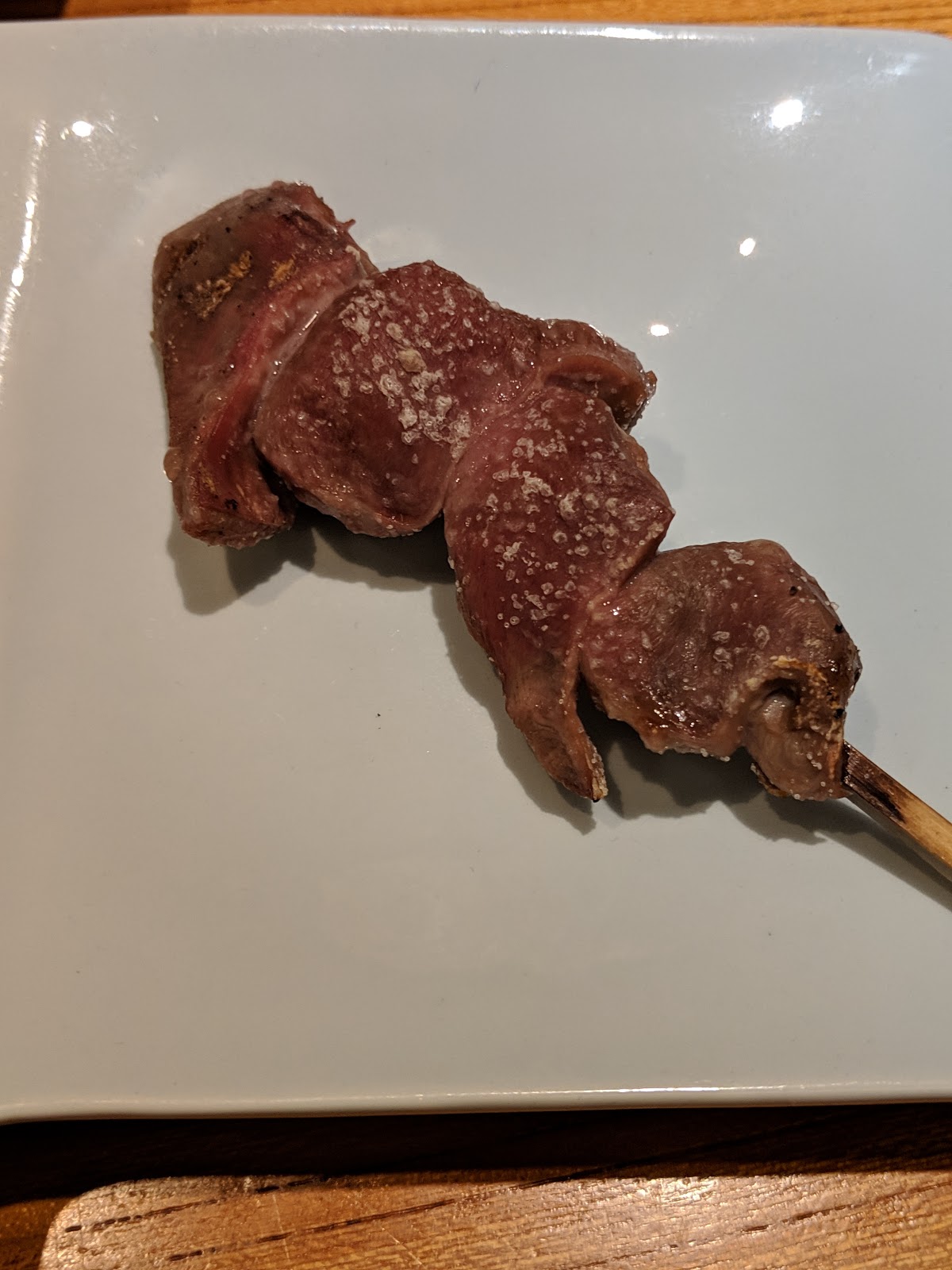
頂いたのは以下♪
さびやき
かしわ
小玉ねぎ
ちぎも
つくね
小なす
すなぎも
白玉
ぎんなん
かわ
しいたけ
はつ
ちょうちん
どれも美味しかったですが、ちぎも、はつ、しいたけはかなり良かったです
コスパもなかなか良いです!




<item>
  <name>Control_L to Control_L</name>
      <appendix>(+ When you type Control_L only, send Escape)</appendix>
  <identifier>remap.controlL2controlL_escapeorg</identifier>
  <autogen>--KeyOverlaidModifier-- KeyCode::CONTROL_L, KeyCode::CONTROL_L, KeyCode::ESCAPE</autogen>
</item>
Ctrl単押しでEscは最初は使いづらいEscされまくりでどうかと思いましたが、今では手放せなくなりました。
nnoremap <silent> J :call NextDiff()<CR>
nnoremap <silent> K :call Prevdiff()<CR>
function! NextDiff()
  if &diff
    silent normal! ]c
  else
    silent normal! J
  endif
endfunction
function! Prevdiff()
  if &diff
    silent normal! [c
  else
    silent execute ":call ref#K('normal')"
  endif
endfunction
ref.vimを使っているため、Kはref.vimの関数を呼んでます。nmap <silent> fo :<C-u>Unite -buffer-name=outline outline -no-start-insert -auto-preview<CR> nmap <silent> fl :<C-u>Unite -buffer-name=line line -start-insert<CR>fo,fl以外のf動作に支障はありませんので、他にもfaとかfeとか割り当ててしまってよさそうです。
let g:neocomplcache_snippets_dir = $HOME . '/.vim/snippets'
$cd ~/.vim
$mkdir snippets
# いったん、標準のsnippetsから内容をコピーします。
$cd snippets
$cp ~/.vim/bundle/neocomplcache/autoload/neocomplcache/sources/snippets_complete/php.snip .
$vi php.snip
snippet function
abbr function () {}
  ${1:public }function ${2:FunctionName}(${3})
  {
    ${4:// code...}
  }
snippet function
abbr function () {}
  /**
   * ${4:undocumented function}
   *
   * @return ${5:void}
   * @author ${6}
   */
  ${1:public }function ${2:FunctionName}(${3})
  {
    ${7:// code...}
  }
"if main_syntax != 'java' || exists("java_vb")上記をコメントアウトしたあと、phpファイルを開いて以下を実行すると、vbFunctionが補完されないようになります。
" " VB SCRIPT
" syn include @htmlVbScript syntax/vb.vim
" unlet b:current_syntax
" syn region javaScript start=++me=s-1 contains =@htmlVbScript,htmlCssStyleComment,htmlScriptTag,@htmlPreproc
"endif
:NeoComplCacheCachingSyntaxそれにしても、もうちょいスマートな解決法があるといんですが・・・


$cd /home/gituser/project/※追加するremoteのパスには、以下の画像を参照してください。
$git remote add origin https://hogehoge@bitbucket.org/hogehoge/project.git
$git push origin master
password:
#パスワードが要求されるので入力します。

$git remote
origin
$git remote rm origin
$git remote add origin https://hogehoge@bitbucket.org/hogehoge/project.git
$git push origin master
nnoremap対象ファイルを開いてgn : Unite -buffer-name=bookmark -default-action=tabopen -input=:: -immediately -start-insert bookmark nnoremap gN : Unite -buffer-name=bookmark -input=:: -immediately -start-insert bookmark
:UniteBookmarkAddでbookmarkします。 この時に、bookmark名に::aなどをつけます。


$cd ~/.vim/bundlephpの日本語マニュアルをダウンロード(http://php.benscom.com/download-docs.php)(Many HTML filesのやつ)して解凍
$git clone git://github.com/thinca/vim-ref
$cd ~/解凍したディレクトリを_vimrcで設定
$mkdir Documents
$cd Documents
$wget http://php.benscom.com/get/php_manual_ja.tar.gz/from/jp.php.net/mirror
$tar zxvf php_manual_ja.tar.gz
vi _vimrcここまでインストールしてw3mがなかったことに気づいたのでw3mをインストール
let g:ref_phpmanual_path = $HOME . '/Documents/php-chunked-xhtml'
" vimprocをインストールしていない場合は、以下の設定も行う必要があるようです。(未確認)
" let g:ref_use_vimproc = 0 " vimprocをインストールしてない場合は0を指定
$yum install w3mあとは、phpファイルで適当な関数の上でShift+kやるとマニュアルが引けます! 便利! Shift+kで動かなかったら他のマッピングと競合している可能性があります。 mapの確認しましょう!以下のようになってればOKです。
:map K以下の設定は、ref.vimのhelp見ると書いてありますが、 デフォルトでは、qで終了しないので必須と思われます。
v K(ref-keyword)
n K(ref-keyword)
autocmd FileType ref call s:initialize_ref_viewer()
function! s:initialize_ref_viewer()
nmapb (ref-back)
nmapf (ref-forward)
nnoremapq c
nnoremapc
setlocal nonumber
endfunction
plotSpace.allowsUserInteraction = YES;これで初期範囲外の領域も、スクロールすると表示されます。
[button.titleLabel setText:@"タイトル"]
[button setTitle:@"タイトル" forState:UIControlStateNormal]
$HOME/Library/SDKs/core-plot/examples/CPTestApp-iPhone/CPTestApp-iPhone.xcodeproj
// labelFormatから小数点以下を削除
NSNumberFormatter *formatter = [[NSNumberFormatter alloc] init];
[formatter setMaximumFractionDigits:0];
x.labelFormatter = formatter;


